How to Find Someone You Lost Contact With Using Old Photos (2026)
Lost touch with someone important? Learn how to use old photos and AI facial recognition to reconnect with lost friends, family, and loved ones.
Posted by
 Luka Tim
Related reading
How Private Investigators Use Facial Recognition in 2026
Discover how modern private investigators use AI facial recognition tools to solve cases faster. From infidelity to fraud, learn their methods.
How to Find Someone You Saw in Public (An Ethical Guide)
Saw someone interesting in public and want to find them online? Here's an ethical guide to using photo-based search responsibly.
How to Find a Person from an Event or Conference Photo (2026)
Met someone at a conference or event but didn't exchange info? Learn how to find them using event photos and AI facial recognition.
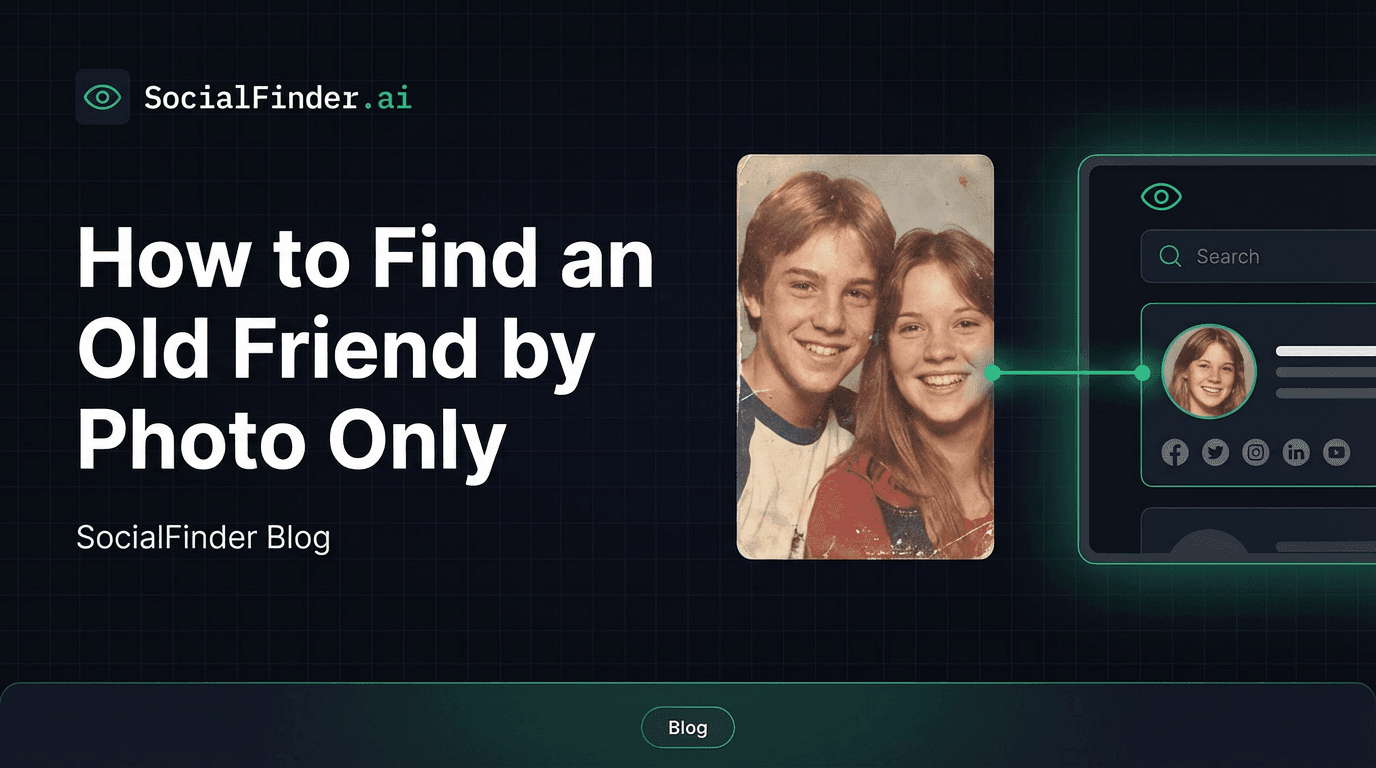
There are few experiences more universal than losing touch with someone who mattered to you. The military buddy who moved across the country after discharge. The college roommate you lost track of when you both moved on after graduation. The childhood friend whose family moved away before social media existed. The half-sibling you never got the chance to know. The travel companion you connected with deeply but only exchanged first names with.
For most of human history, losing touch meant losing that person for good. But today, if you have even a single old photo of them, you have a realistic chance of finding them again. AI facial recognition technology can match faces across years—even decades—making old photographs one of the most powerful reconnection tools available.
Why Traditional Methods Often Fail
Before we get into how photo-based search works, it's worth understanding why the obvious approaches usually come up empty.
- Name changes: Marriage, divorce, legal name changes, and cultural name variations mean that searching someone's old name may lead nowhere. A woman who married and took her husband's last name won't show up under the name you knew her by.
- Geographic moves: People who move to different cities, states, or countries leave their old social networks behind. If you're searching in the wrong location, you won't find them.
- Common names: Searching for "John Smith" or "Maria Garcia" returns thousands of results with no way to identify the right one.
- Deleted or changed accounts: People delete old social media profiles, create new ones, or switch platforms entirely. The Facebook profile from 2010 may no longer exist.
- Privacy settings: Many people have locked down their social media so tightly that they won't appear in general searches at all.
These barriers make traditional name-based and location-based searches unreliable. But a face doesn't change its fundamental structure, even over decades. That's what makes photo-based search so powerful for reconnection.
How Old Photos Can Bridge the Gap
Modern AI facial recognition doesn't match photos pixel by pixel—it analyzes the underlying geometry of a face. The distance between the eyes, the ratio of forehead to jawline, the shape of cheekbones, the position of the nose relative to other features. These structural elements remain remarkably consistent throughout a person's life, even as hair color changes, wrinkles appear, and weight fluctuates.
This means a photo from 15 or even 25 years ago can still produce accurate matches against someone's current social media profile pictures. The technology isn't perfect—extremely old or degraded photos will produce fewer matches—but it works far better than most people expect.
SocialFinder's AI engine is specifically trained to handle age variation in faces, making it one of the best tools for finding an old friend from a photo. The system accounts for the natural changes that occur over time while focusing on the permanent structural features that make each face unique.
Step-by-Step: Finding Someone with an Old Photo
Here's exactly how to use an old photo to find someone you've lost touch with.
- Step 1: Find the best available photo. Dig through old photo albums, yearbooks, printed pictures, or digital archives. Look for a clear shot where the person's face is visible and not heavily obscured by sunglasses, hats, or shadows.
- Step 2: Digitize if necessary. If the photo is a print, scan it at the highest resolution your scanner allows (300 DPI or higher). A smartphone camera can also work—photograph the print in good lighting, avoiding glare and shadows.
- Step 3: Crop to the face. If the photo includes multiple people, crop it so only the person you're looking for is visible. This improves the accuracy of facial recognition significantly.
- Step 4: Upload to SocialFinder. The AI facial recognition engine will analyze the face and search across social media platforms, dating apps, forums, and other sites for matches. Results typically arrive within 30 seconds.
- Step 5: Review and verify matches. Cross-reference the results with any other information you remember—their approximate age, the city they were from, interests, occupation. This helps you confirm you've found the right person.
For more general guidance on finding people from photos, see our complete guide on how to find someone from a photo.
Try SocialFinder.ai Now
Upload a photo and see how our AI facial recognition finds social media profiles in seconds.
Try It Now
Upload a photo and see how SocialFinder.ai works in seconds
> Upload a Face. Find Their Accounts.
Drop a photo. Get answers in seconds.
or click to browse files
Tips for Better Results with Old Photos
Not all old photos will produce results, but there are several things you can do to maximize your chances.
- Scan quality matters: Higher resolution scans produce better results. Use at least 300 DPI when scanning printed photos. If photographing a print with your phone, use the highest camera resolution and ensure even, bright lighting with no glare.
- Try multiple photos: If you have more than one photo of the person, search each one separately. Different angles and expressions can match against different profile pictures they may have used.
- Combine with any info you remember: If the facial recognition returns several possible matches, use whatever you remember—first name, hometown, approximate age, occupation, school attended—to narrow down the results.
- Group photos can work: If you only have a group photo, crop tightly around the person's face before uploading. The AI works best when there's only one face to analyze.
- Don't over-edit: Resist the temptation to heavily filter or enhance old photos before uploading. Minor brightness and contrast adjustments are fine, but aggressive editing can actually degrade the facial geometry that the AI relies on.
Real Reconnection Stories
Photo-based search has enabled reunions that would have been impossible even a few years ago. Here are a few examples of the kinds of reconnections people have made.
The Military Buddy
A veteran in his 50s had been trying to find his best friend from basic training for over 20 years. They'd served together in the early 2000s but lost touch after deployment ended. Name searches turned up nothing—his friend had a common name and had moved several times. Using a photo from their unit's group picture, facial recognition found his friend's current Facebook profile within seconds. They reconnected and met up for the first time in two decades at a veterans' reunion the following month.
The Birth Sibling
A woman who was adopted as an infant had one old photograph of her birth family. She'd searched for years using adoption registries and DNA databases with no luck. Running the photo through AI facial recognition found a social media profile that belonged to her older brother—someone who had been looking for her through different channels. The technology bridged a gap that traditional search methods couldn't.
The College Roommate After 20 Years
Two college friends shared a dorm room in the early 2000s and were inseparable for four years. After graduation, life took them in different directions. One got married and changed her last name. The other moved abroad. Twenty years later, one of them scanned a dorm room photo, cropped her friend's face, and uploaded it. SocialFinder found her friend's Instagram profile under her married name—a name she never would have been able to guess through a traditional search.
Etiquette for Reaching Out After Years
Finding someone is only half the challenge. Reaching out after years or decades of silence requires some tact. Here's how to approach it thoughtfully.
- Start with a low-pressure message: A brief, warm message is better than a lengthy emotional outpouring. Something like, "Hi [name], I'm not sure if you remember me, but we [shared experience]. I've thought about you over the years and would love to reconnect if you're open to it."
- Reference a shared memory: Mentioning a specific shared experience helps the person place you and signals that this is genuine, not a scam or spam.
- Respect their response (or lack of one): Not everyone will want to reconnect, and that's okay. If you don't get a response after one follow-up, let it go.
- Choose the right platform: If you found them on Facebook or Instagram, message them there. Avoid reaching out through professional platforms like LinkedIn for personal reconnections unless that's the only option.
- Be transparent about how you found them: If they ask how you found them, be honest. "I used a photo from [year/event] and a facial recognition search tool" is a straightforward answer that most people will understand.
For additional strategies on locating people online, check out our guide on how to find someone online.
Frequently Asked Questions
How old can the photo be and still get results?
AI facial recognition can work with photos that are 20 years old or even older, as long as the face is clearly visible and the photo quality is reasonable. The technology focuses on bone structure and facial geometry, which change very little over a lifetime. Photos from the 1990s and 2000s frequently produce accurate matches.
Will this work if the person has changed significantly?
In most cases, yes. Weight changes, hairstyle changes, aging, and even cosmetic procedures rarely alter the fundamental facial geometry enough to prevent a match. Significant facial surgery or trauma may reduce accuracy, but everyday aging changes are well within what the AI can handle.
What if I only have a group photo?
Group photos can absolutely work. Crop the photo so that only the person you're searching for is visible. Make sure the cropped image is still reasonably high resolution—if the person's face is tiny in the original group shot, the results may be less accurate.
Is it creepy to find someone this way?
Intent matters. Using photo search to reconnect with an old friend, find a lost family member, or locate someone you've genuinely lost touch with is a legitimate and widely accepted use of this technology. Respectful outreach and genuine intentions make the difference.
Try SocialFinder.ai Now
Upload a photo and see how our AI facial recognition finds social media profiles in seconds.
Try It Now
Upload a photo and see how SocialFinder.ai works in seconds
> Upload a Face. Find Their Accounts.
Drop a photo. Get answers in seconds.
or click to browse files
Try SocialFinder.ai Tools
Put what you've learned into action with SocialFinder.ai's powerful search tools. Start finding people, verifying identities, and uncovering social media profiles in seconds.
Find Someone from a Photo →
Upload a photo to find anyone's social media profiles instantly
AI Reverse Image Search →
Advanced AI-powered face recognition and reverse image search
Find Instagram User →
Discover Instagram profiles using facial recognition technology
Find Someone Online →
Search across social media platforms to find anyone online
AI People Search →
Smart AI-powered people search across the entire web
Track Social Media Account →
Monitor and track social media profiles and activity
Find TikTok User →
Locate TikTok profiles using photos and facial recognition
Find Secret Social Accounts →
Uncover hidden and secret social media accounts