How to Reverse Image Search Tinder Profiles in 2026 (Step-by-Step)
Learn how to reverse image search Tinder profiles using AI facial recognition. Detect catfishes, verify identities, and find someone's real identity from their Tinder photos.
Posted by
 Luka Tim
Related reading
How to Search for Someone on Tinder Without an Account (2026 Guide)
Can you search people on Tinder? Yes. Learn how to search for someone on Tinder without registering — use AI Tinder profile search to find anyone by photo in seconds. No Tinder account needed.
How to Find Someone on Bumble by Photo (2026 Guide)
Find someone on Bumble using just a photo. AI face recognition helps verify Bumble matches, catch fake profiles, and find expired connections in 2026.
How to Find Someone on Hinge by Photo (2026 Guide)
Find someone on Hinge by photo using AI face search. Verify Hinge matches, check profile authenticity, and confirm real identities before meeting in 2026.
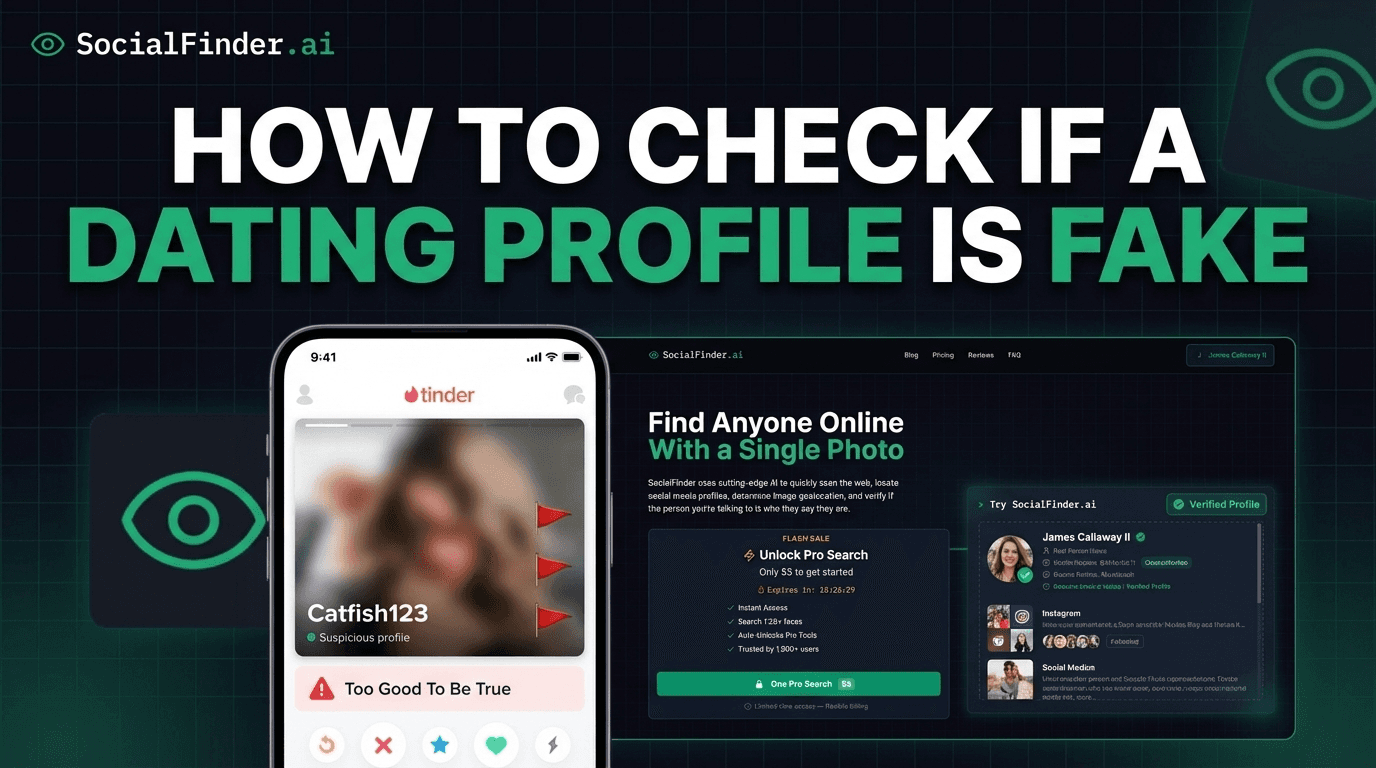
You matched with someone on Tinder. Their photos look great—maybe a little too great. Or perhaps something about their profile feels off, and you want to verify they are who they say they are before you invest time, emotions, or agree to meet in person. Reverse image searching their Tinder photos is the fastest way to find out the truth.
The problem is that most people try Google reverse image search first and get zero useful results. That is because Google was not designed for face matching. In this guide, I will explain exactly why general reverse image search fails for Tinder photos, what to use instead, and how to walk through the process step by step to uncover the real identity behind any Tinder profile.
Why Google Reverse Image Search Fails for Tinder
Let me save you some time: if you screenshot a Tinder photo and upload it to Google Images, you will almost certainly get zero useful results. Here is why:
- Google does not use facial recognition. Due to privacy policies, Google Images relies on visual pattern matching rather than actual face identification. It looks for identical or very similar images, not the same face in different photos.
- Tinder photos are not indexed by Google. Tinder does not allow search engines to crawl its profile photos. Even if someone used the same photo elsewhere, the Tinder version is invisible to Google.
- Screenshots are degraded. When you screenshot a Tinder photo, the image quality drops. Compression artifacts, cropping, and resolution loss make it even harder for standard reverse image tools to find a match.
- People use different photos across platforms. If your Tinder match used a unique selfie that exists nowhere else online, image-matching tools like Google and TinEye have nothing to compare it against. Only facial recognition can match the same person across different photos.
This is the fundamental problem: tools like Google, TinEye, and Bing search for images. What you need is a tool that searches for faces.
The Right Way: AI Facial Recognition
AI-powered facial recognition works completely differently from standard reverse image search. Instead of looking for matching pixel patterns, it analyzes the unique geometry of a person's face—the spatial relationship between their eyes, the contours of their jawline, nose shape, forehead proportions, and dozens of other biometric markers. This creates a mathematical "faceprint" that is unique to that individual.
This means even if someone uses completely different photos on Tinder versus Instagram versus LinkedIn, AI facial recognition will still connect them because the face is the same. Different lighting, angles, hairstyles, or even aging will not defeat the match. SocialFinder's Tinder search uses this exact technology to search across social media platforms, dating apps, and web sources simultaneously.
Try SocialFinder.ai Now
Upload a photo and see how our AI facial recognition finds social media profiles in seconds.
Try It Now
Upload a photo and see how SocialFinder.ai works in seconds
> Upload a Face. Find Their Accounts.
Drop a photo. Get answers in seconds.
or click to browse files
Step-by-Step: Reverse Search a Tinder Photo
Here is the exact process to reverse search any Tinder profile photo:
Step 1: Save the Tinder Photo
Take a screenshot of your match's Tinder profile. Try to capture the clearest, most front-facing photo available. If they have multiple photos, save the one where their face is most clearly visible—avoid group photos, sunglasses, or heavy filters. Crop the screenshot so the face is the primary focus.
Step 2: Upload to SocialFinder
Go to SocialFinder.ai and upload the screenshot. The AI engine will extract the facial features and begin scanning across platforms. This process typically completes within 30 seconds.
Step 3: Review Face Match Results
SocialFinder will return any profiles where the same face appears—including Instagram, Facebook, Twitter, LinkedIn, other dating apps, and web pages. Each result includes a direct link to the profile and a match confidence score.
Step 4: Explore Username Connections
If the face search uncovers a username, SocialFinder automatically runs a deep search across 3,000+ platforms for that username. This is where you often find the most revealing results—Reddit accounts, forum posts, gaming profiles, and other platforms where people are more candid than on their main social media.
Step 5: Cross-Reference and Verify
Compare the information you find across platforms. Do the photos match? Is the name consistent? Does the location match what they told you? Are their interests and background story consistent with what you see on other profiles? Inconsistencies are the clearest indicator of deception.
What Your Results Tell You
Different result patterns mean different things. Here is how to interpret what you find:
Same Person on Multiple Platforms = Good Sign
If the face matches across Instagram, Facebook, LinkedIn, and the Tinder profile, and the name, age, location, and general story are consistent, this is a strong indicator the person is real and being honest. They have a verifiable digital footprint.
Stock Photo or Model Portfolio = Catfish
If the face matches to a stock photo website, a modeling agency portfolio, or an influencer's Instagram with a completely different identity, you have caught a catfish. The person you are talking to is using someone else's photos. Do not continue the conversation and report the profile to Tinder.
No Results Found
No results can mean several things: the person has minimal online presence (uncommon but possible), they are extremely privacy-conscious, or they are using AI-generated photos that don't belong to any real person. If combined with other red flags, this warrants caution.
Conflicting Information Across Profiles
If you find the same face but with different names, ages, or locations on different platforms, proceed with extreme caution. This pattern is common among romance scammers who maintain multiple fake identities. The real person behind the profile may not match any of the personas they have created.
Red Flags to Watch For on Tinder
Beyond reverse searching, these are the common catfish indicators to watch for on Tinder profiles themselves:
- Only professional-quality photos: Real people have a mix of professional and casual photos. If every photo looks like a magazine shoot, the images may be stolen from a model or influencer.
- Very few photos (1-2): Catfishes often have limited source material. Real users typically upload 4-6 photos.
- No photos with friends or family: Real people usually include at least one social photo. A profile with only solo shots may be using stolen individual photos.
- Photos from different eras: If one photo looks like it was taken in 2015 and another in 2026, the images may be collected from different sources over time.
- Refuses to send new photos or video call: When you ask for a selfie or suggest a video call, they always have an excuse. This is one of the most reliable catfish indicators.
- Moves to messaging apps quickly: Scammers prefer WhatsApp, Telegram, or other platforms where they have more control and Tinder's safety features cannot protect you.
- Too good to be true bio: A wealthy, attractive, single person with a perfect bio who is intensely interested in you immediately should trigger healthy skepticism.
Frequently Asked Questions
Can I reverse search someone's Tinder photo without them knowing?
Yes. When you upload a screenshot to SocialFinder, no notification is sent to the person. The search is completely private and anonymous. Tinder does not track screenshots either, so the person will have no way of knowing you searched their photo.
Does this work for Bumble, Hinge, and other apps too?
Absolutely. The facial recognition technology works the same way regardless of which dating app the photo came from. You can search photos from Tinder, Bumble, Hinge, Match, OkCupid, or any other platform. SocialFinder will check across all major dating apps and social media simultaneously.
What if the Tinder profile uses AI-generated photos?
AI-generated faces are becoming more common on dating apps. These faces don't belong to any real person, so a reverse image search will return zero results. If you get no results combined with other red flags (refused video calls, too-perfect appearance, inconsistent story), the photos may be AI-generated. Look for telltale signs like asymmetric earrings, warped backgrounds, unusual skin textures, or inconsistent teeth. Learn more about checking if photos are stolen or fake.
How much does a Tinder reverse image search cost?
SocialFinder charges a one-time payment of $5—no subscription, no per-search fees. This includes both the AI facial recognition search and the deep username search across 3,000+ platforms. Compared to the cost of a bad date with a catfish or the emotional toll of being scammed, it is a small investment in your safety.
Try SocialFinder.ai Now
Upload a photo and see how our AI facial recognition finds social media profiles in seconds.
Try It Now
Upload a photo and see how SocialFinder.ai works in seconds
> Upload a Face. Find Their Accounts.
Drop a photo. Get answers in seconds.
or click to browse files
Try SocialFinder.ai Tools
Put what you've learned into action with SocialFinder.ai's powerful search tools. Start finding people, verifying identities, and uncovering social media profiles in seconds.
Find Someone from a Photo →
Upload a photo to find anyone's social media profiles instantly
AI Reverse Image Search →
Advanced AI-powered face recognition and reverse image search
Find Instagram User →
Discover Instagram profiles using facial recognition technology
Find Someone Online →
Search across social media platforms to find anyone online
AI People Search →
Smart AI-powered people search across the entire web
Track Social Media Account →
Monitor and track social media profiles and activity
Find TikTok User →
Locate TikTok profiles using photos and facial recognition
Find Secret Social Accounts →
Uncover hidden and secret social media accounts