SocialFinder vs TinEye & Google Lens: Why General Search Fails for Faces
Learn why TinEye and Google Lens fail at finding people and how SocialFinder's purpose-built facial recognition and username search deliver real results.
Posted by
 Luka Tim
Related reading
How to Find Someone on Instagram Without Their Username (2026 Guide)
How to find someone on Instagram without their username. Use AI facial recognition to search Instagram accounts by photo — find any Instagram user from a screenshot or saved photo in seconds.
How to Find Someone on TikTok by Photo Without Username (2026)
How to find someone on TikTok without their username. Use AI facial recognition to search TikTok accounts by photo — find any TikTok user from a screenshot, saved image, or photo in seconds.
How to Find Someone on OnlyFans — Find Out If Someone Has an OnlyFans (2026)
How to find someone on OnlyFans by photo. Find out if someone has an OnlyFans account using AI facial recognition — scans promotional profiles across 3,000+ platforms to reveal hidden OnlyFans accounts.
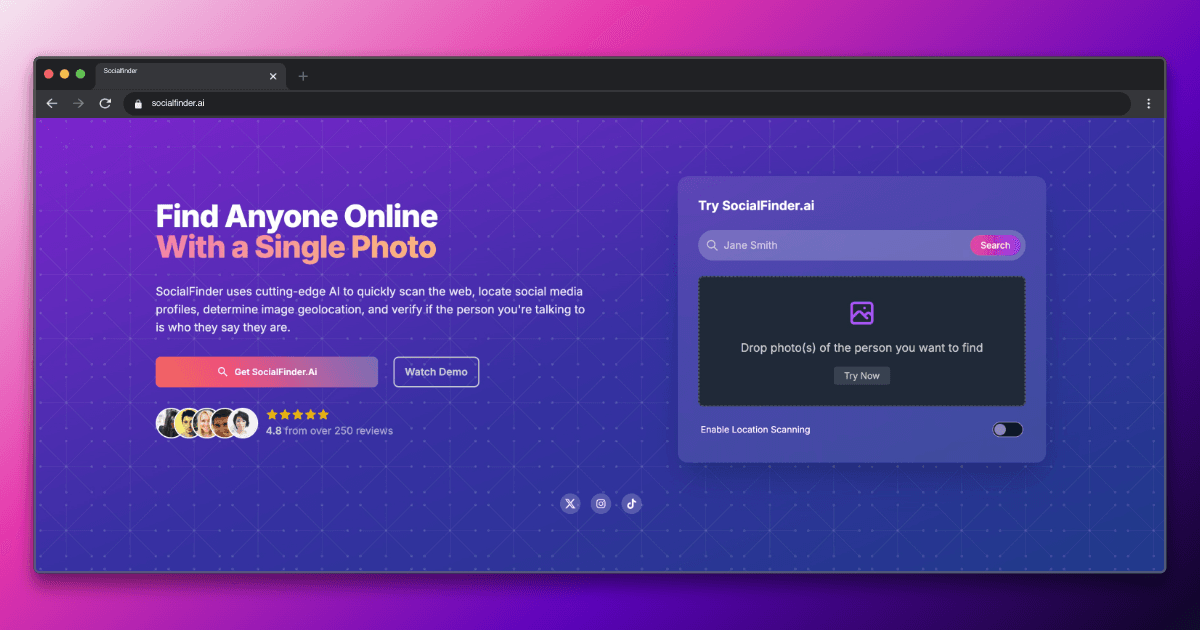
When most people want to identify someone from a photo, their first instinct is to try Google Lens or TinEye. These are the most well-known reverse image search tools. But there's a fundamental problem: neither of them was designed to find people. They were designed to find images.
In this article, I'll explain exactly why TinEye and Google Lens fail at finding people, what they're actually useful for, and how SocialFinder's purpose-built approach delivers the results you actually need.
TinEye: Built for Copyright, Not People
TinEye launched in 2008 as the first reverse image search engine. Its technology works by finding exact or near-exact copies of an image across the web. It creates a digital fingerprint of the image and searches for matching fingerprints.
What TinEye Does Well
- Finding where a specific image has been published online
- Tracking copyright infringement for photographers and artists
- Identifying the original source of an image
- Detecting modified or cropped versions of an image
Why TinEye Fails for People Search
TinEye matches images, not faces. If someone uses a different photo on each of their social media accounts (which most people do), TinEye cannot connect them. It has no facial recognition technology at all.
- Zero facial recognition capability—only matches identical images
- A slight crop, filter, or resize can break the match
- Doesn't search social media platforms or dating apps
- No username search or OSINT features
- Only useful if someone uploaded the exact same photo elsewhere
Google Lens: A General Tool, Not a People Finder
Google Lens is Google's visual search feature. It's excellent at identifying products, plants, animals, landmarks, and text. Occasionally, it can identify celebrities or public figures. But for finding regular people? It's unreliable at best.
What Google Lens Does Well
- Identifying products for shopping
- Translating text in images
- Identifying plants, animals, and landmarks
- Finding visually similar images on the web
Why Google Lens Fails for People Search
Google intentionally avoids facial recognition in its search products due to privacy concerns. Google Lens will sometimes find web pages containing a person's photo, but it does this through image matching, not face matching. The results are inconsistent and unreliable.
- Google deliberately does not use facial recognition for search
- Results are based on visual similarity, not face matching
- Works occasionally for celebrities but rarely for regular people
- No dating app coverage whatsoever
- No username search or OSINT capabilities
- Results often show visually similar strangers rather than the actual person
SocialFinder: Purpose-Built for Finding People
SocialFinder was designed from the ground up for one purpose: finding people online. Instead of general image matching, it uses two specialized search methods working together.
AI Facial Recognition
Unlike Google and TinEye, SocialFinder uses true AI facial recognition. It identifies the unique geometry of a person's face—the distance between eyes, jawline shape, facial proportions—and matches against faces across social media platforms, dating apps, and web sources. Different photos, different angles, different lighting? It still finds the match.
Deep Username Search
This is what truly sets SocialFinder apart. Its Maigret-powered engine scans 3,000+ platforms for matching usernames and accounts. This catches the profiles that no image search can find—the Reddit account with no profile photo, the Discord server with a cartoon avatar, the Steam account with a gaming screenshot.
Try SocialFinder.ai Now
Upload a photo and see how our AI facial recognition finds social media profiles in seconds.
Try It Now
Upload a photo and see how SocialFinder.ai works in seconds
> Upload a Face. Find Their Accounts.
Drop a photo. Get answers in seconds.
or click to browse files
Side-by-Side Results: A Real Example
Let's say you have a photo of someone you met online and want to find their social media accounts:
TinEye Results
TinEye finds zero results unless the exact photo was uploaded somewhere publicly. For most people, this means zero useful results. TinEye simply tells you "0 results found."
Google Lens Results
Google Lens shows a grid of "visually similar images"—mostly strangers who look vaguely similar. You might get lucky and find a web page containing the actual photo, but more likely you'll get a page of random faces.
SocialFinder Results
SocialFinder returns a list of actual profile matches: their Instagram, their Twitter, their Tinder profile, their Reddit account, and potentially dozens more across 3,000+ platforms. Direct links to real profiles, not just web pages.
When to Use TinEye or Google Lens
These tools still have legitimate uses—just not for finding people:
- TinEye: Use it to find where a specific image has been posted, track copyright infringement, or find higher-resolution versions of an image.
- Google Lens: Use it to identify products, translate text, learn about landmarks, or find similar-looking items for shopping.
For finding people—whether you're trying to verify a dating match, check for hidden profiles, or run a comprehensive social media search—you need a tool that was built for the job.
The Fundamental Difference
TinEye asks: "Where does this image appear online?"
Google Lens asks: "What does this image look like?"
SocialFinder asks: "Who is this person and where are they online?"
That's the fundamental difference. General image search tools treat your photo as an image to match. SocialFinder treats it as a person to find. The AI face recognition identifies who they are, and the deep username search across 3,000+ platforms finds where they are. It's the difference between searching for a photo and searching for a person.
Stop searching for images. Start finding people: Upload a photo to SocialFinder.ai and get real results in 30 seconds.
Try SocialFinder.ai Tools
Put what you've learned into action with SocialFinder.ai's powerful search tools. Start finding people, verifying identities, and uncovering social media profiles in seconds.
Find Someone from a Photo →
Upload a photo to find anyone's social media profiles instantly
AI Reverse Image Search →
Advanced AI-powered face recognition and reverse image search
Find Instagram User →
Discover Instagram profiles using facial recognition technology
Find Someone Online →
Search across social media platforms to find anyone online
AI People Search →
Smart AI-powered people search across the entire web
Track Social Media Account →
Monitor and track social media profiles and activity
Find TikTok User →
Locate TikTok profiles using photos and facial recognition
Find Secret Social Accounts →
Uncover hidden and secret social media accounts